These are mine, built for my own content and web work with Claude Code. They run on my laptop, on my files, every day. Yours would be built around your business, not mine. The point is the pattern: context, connected tools, running workflows.
Taking new AI OS builds
Your team has ChatGPT. Your company has nothing.
Dán AI builds the system underneath: your context, your tools and your daily work wired together, so AI stops being a tab people open and starts doing real work inside your business.
Built for you · Built with you · Taught to you


Claude Code · connected
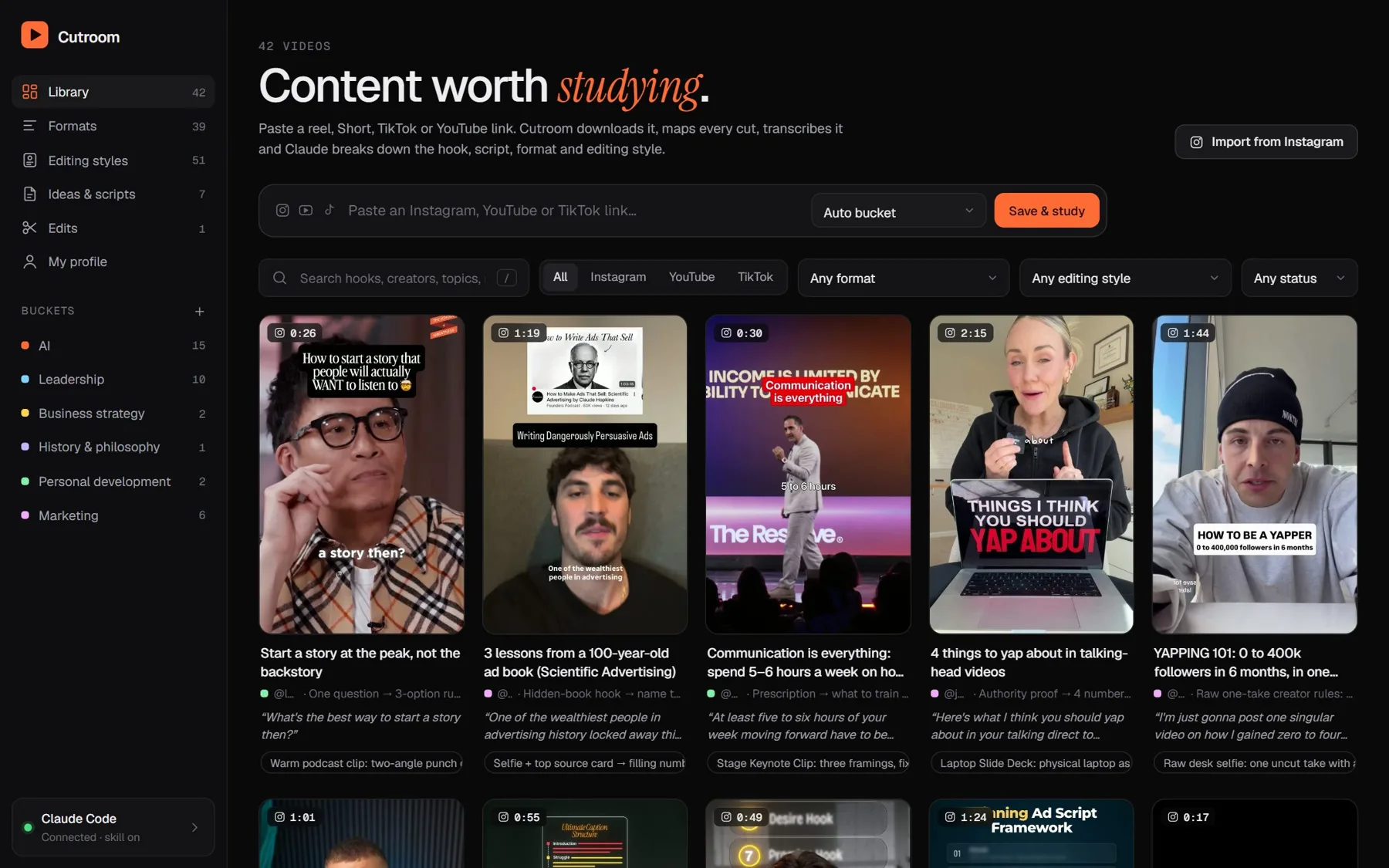
42 videos studied
39 formats learned
Shared business contextVoice filesLead researchMeeting prepContent studioProposal draftsInbox triageWeekly reportsFollow-up sequencesHandover docs
Twelve people. Twelve ChatGPT tabs.
Every chat starts from zero.
The good prompts live in one person's Notes app.
Nothing touches the actual work.
The turn
An AI OS is the layer underneath.
Three layers, built once, shared by everyone. Then every chat, every person and every automation starts from what your business already knows.
- ContextWho you sell to, how you talk, what you have decided. Written down once, read by every tool.
- Connected toolsDrive, Gmail, Calendar, your CRM, Notion. AI reads and writes where the work already lives.
- Running workflowsThe jobs that happen every week: research, drafts, follow-up, reports. Repeatable, owned by your team.
Two systems I built and run every day.
Cutroom · the content studio
Paste a reel. It downloads it, maps every cut, transcribes it, and Claude breaks down the hook, script, format and editing style.
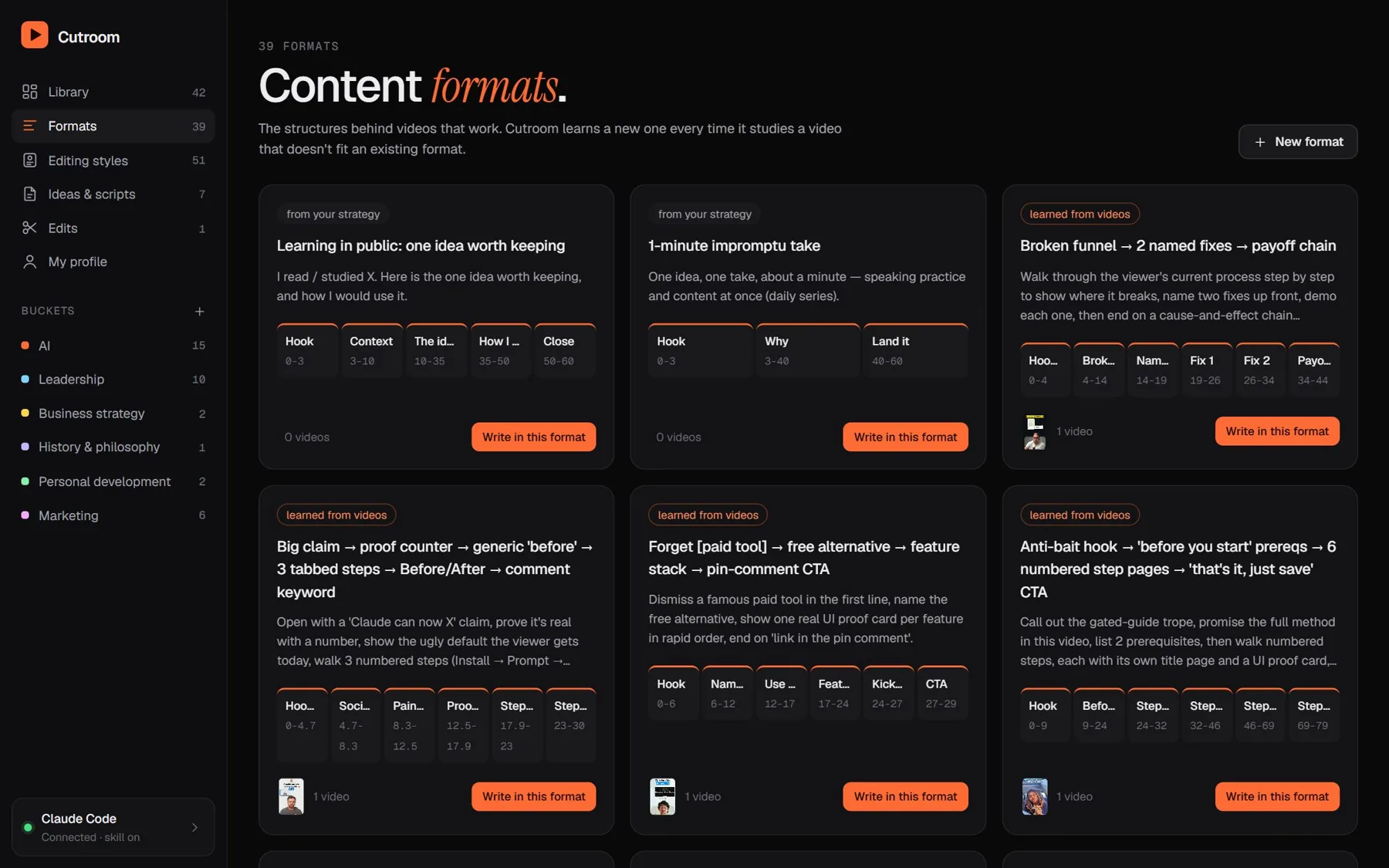
39 formats, learned not typed
Every video it studies teaches it a structure. The library grows by itself.
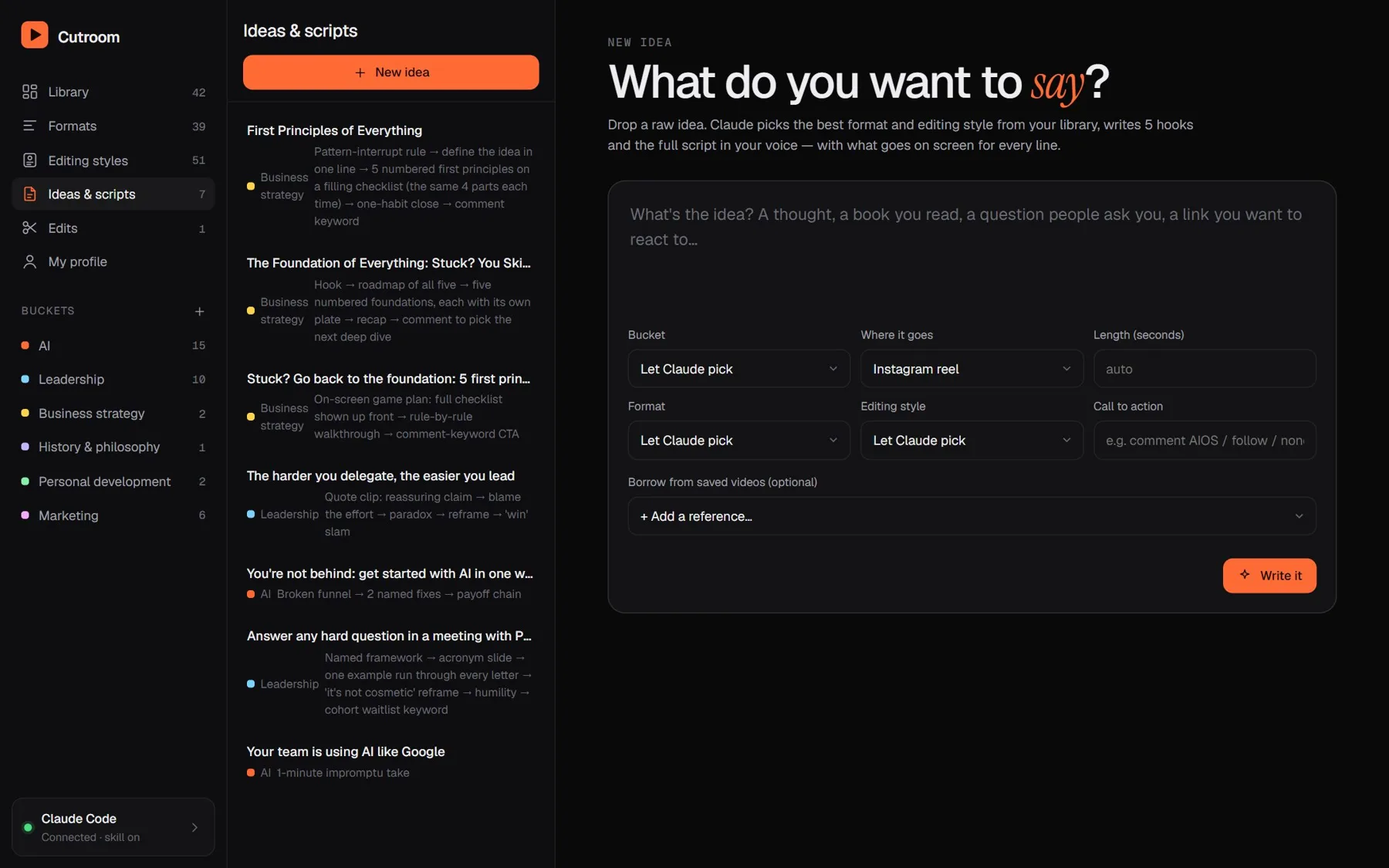
Scripts in my voice
Drop an idea. It picks the format and style, writes five hooks and the full script from my voice file.
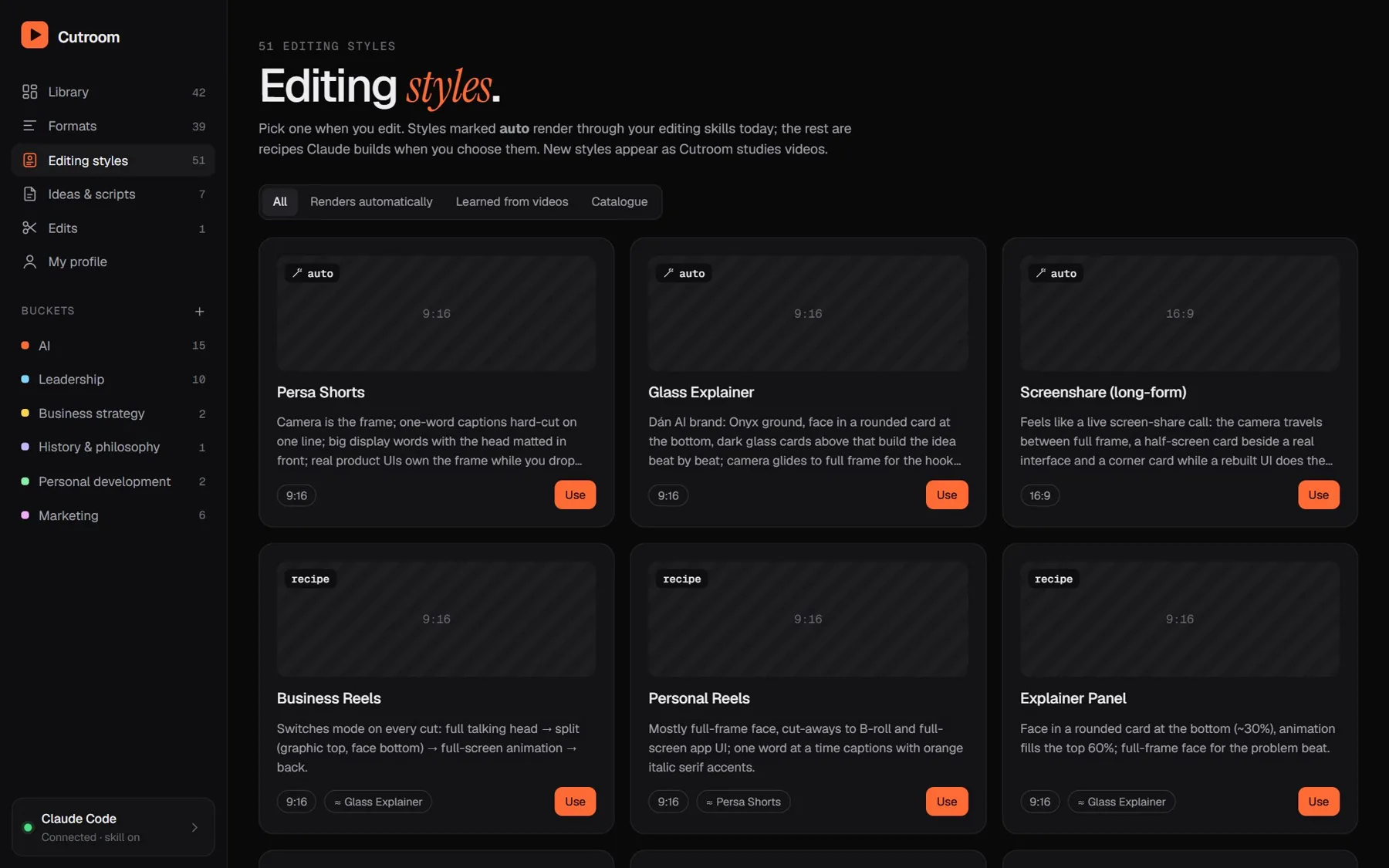
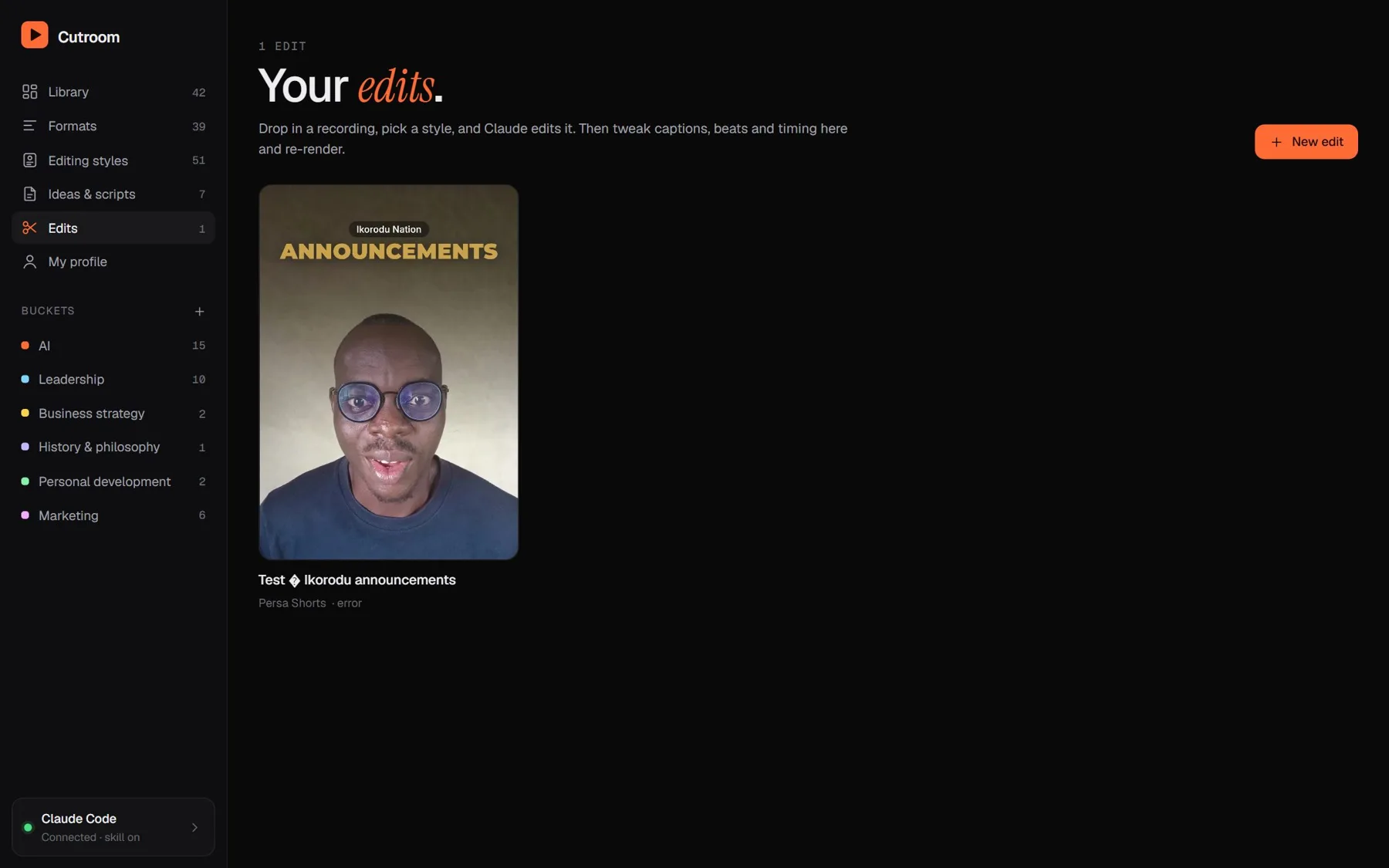
Edits in a saved style
Drop a recording, pick a style, and it edits. Captions, cuts and graphics, then tweak in plain words.
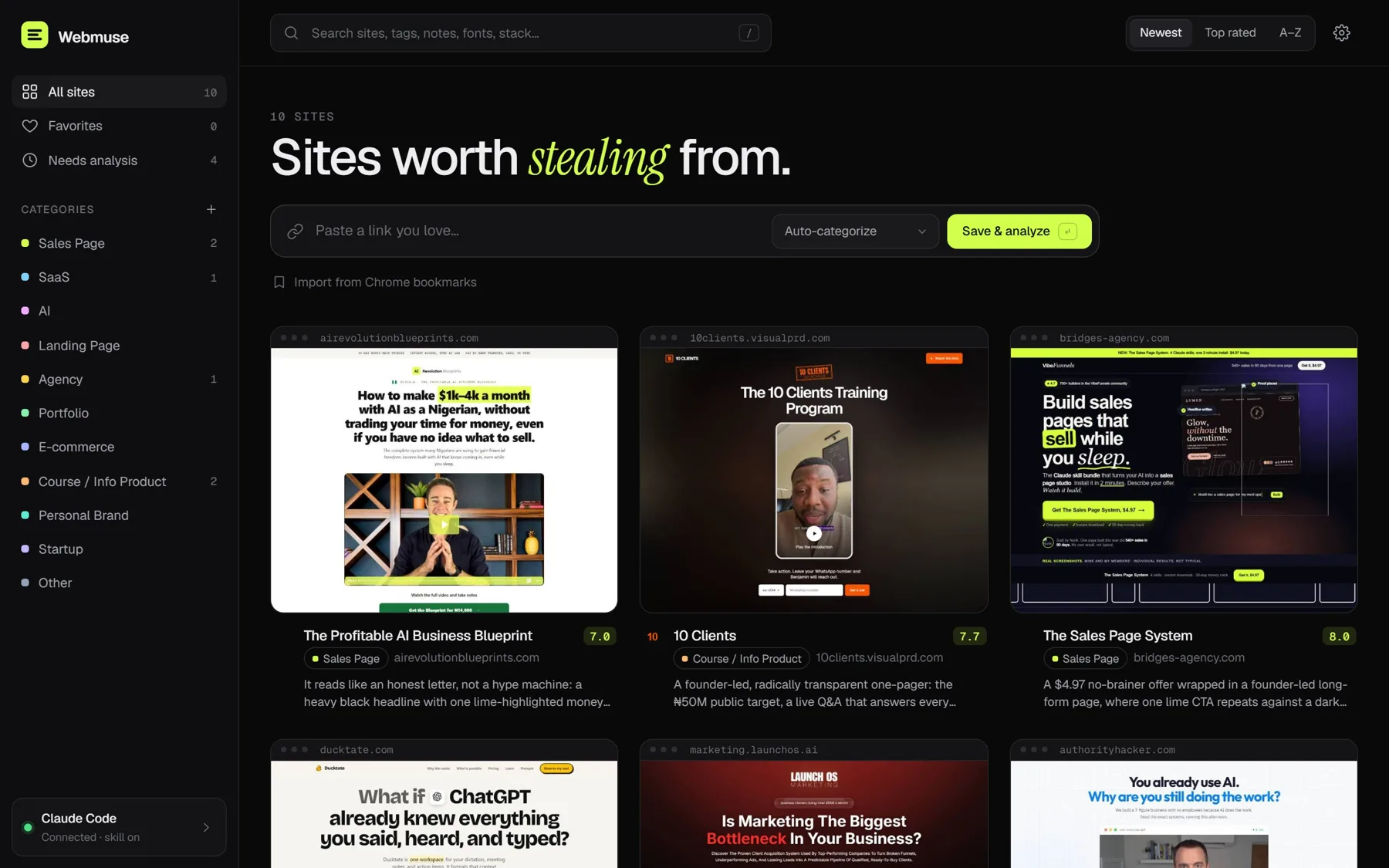
Webmuse · the swipe file that reads
Paste a link. It scrolls the site like a visitor, records the motion, and pulls colours, fonts, copy and the full code.
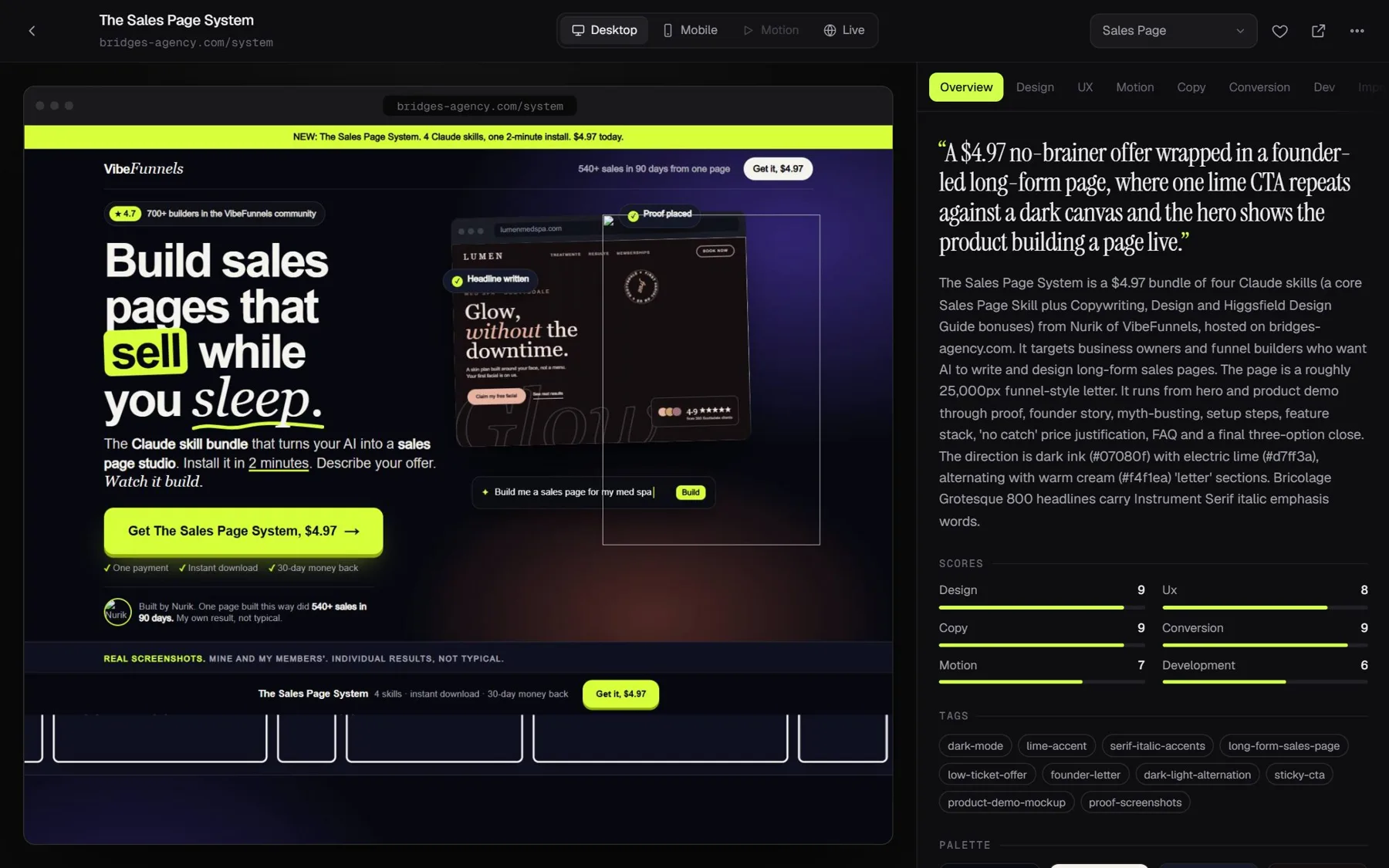
Scored on six angles
Design, UX, motion, copy, conversion and dev. Each with what to steal and what to fix.
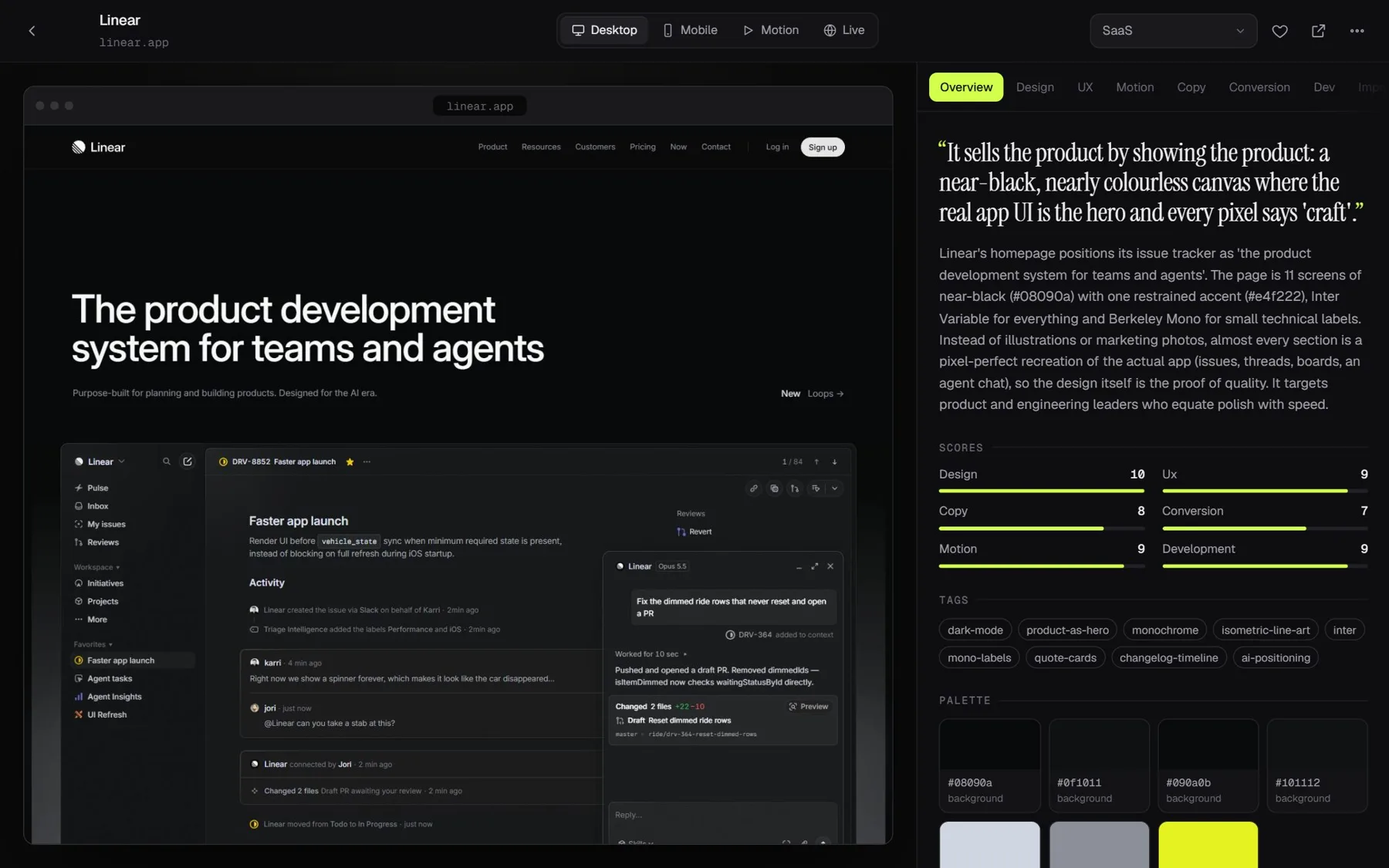
One click to a build brief
Heart a section and it writes the brief for Claude Code. This website started there.
Same three layers, every time.
Context
A voice file, my content buckets and every studied reel, in plain files Claude reads before it writes a word.
Connected tools
Instagram, YouTube and TikTok downloads, transcription, a local browser, and Claude Code with a skill that knows the library.
Running workflows
Study a video. Write a script. Edit a recording. Each one a button, each one repeatable.
Three ways to get your OS.
Same system underneath. The difference is who does the building.


01Built for youB2B companies
A 14-day install. I map how your team actually works, write the context, connect the tools and build the first workflows. Your team gets a system they run, plus the handover docs to keep it running.
- Business context written once, shared by everyone
- Your tools connected, nothing ripped out
- The first workflows live by day 14
- Keep-everything handover
02Built with youExecutives & founders
Your personal operating system, built alongside you, in your own tools, at your pace. One-to-one. No course to watch, no question too basic.
- Private sessions, in person or on a call
- Your inbox, calendar and documents, organised for AI
- You leave able to run it yourself
03Taught to youComing soon Cohorts & templates
The method I use, taught in public. Templates, walkthroughs and cohorts for people who would rather build it themselves. Not open yet. Join the waitlist and you hear first.
- The three-layer method, step by step
- Starter templates you can copy
- Learn alongside other operators
Fourteen days, kickoff to live.
How a Built-for-you install usually runs. You approve every step before the next one starts.
Where does the team use AI today?
Which work repeats every week?
Where does it live?
Interviews with your team and a map of the work worth handing to AI first.
Context written, tools connected, the first workflows built and tested on real work.
Draft the follow-up for Tuesday's call
Done. In your voice, waiting for your OK.
Your people use it on live work while I watch, fix and tighten.
OS handbookYours to keep
Docs, walkthrough recordings and the keys. You own everything.
Not a prompt pack. Not a chatbot.
The usual AI help
- A list of prompts to paste
- A chatbot bolted onto your website
- Generic, starts from zero every time
- One clever person knows how it works
- Lives in a tab, away from the work
Dán AI OS
- Your business written down once, read by everything
- Built inside the tools you already pay for
- Sounds like you, knows your buyers
- Documented, so the whole team can run it
- Workflows that do the job, not just answer questions
Built on tools you already have.
No new platform to buy and migrate to. The OS sits on top of what your team already logs into.
CClaude
>_Claude Code
DGoogle Drive
MGmail
CalCalendar
NNotion
#Slack
CRMYour CRM

About
Built by a marketer. Not a lab.
I spent six years as a freelance marketer: WordPress sites, Meta ads, email sequences and funnels for coaching businesses. The AI part came later, and it came from needing it.
Every system I sell, I run on my own business first, in public. Cutroom and Webmuse above are two of them. If it does not survive my own Monday, it does not go in your business.
Dán AI is a trading name of Braymount Global LLC, a Wyoming limited liability company.
Pricing
Audits start at $1,000.
The audit maps how your team works and where AI should take over first. The build is then priced from it: a fixed scope and a fixed price, in writing, before you commit to anything. The 20-minute call before all of this is free.
Not sure an OS is what you need?
Book the call anyway. If the honest answer is "a couple of good prompts", I will tell you that.
Book a 20-minute callWhat is an AI OS, in plain words?
A shared layer under all your AI use. Your business context written down once, your tools connected, and the weekly jobs turned into workflows anyone on the team can run. ChatGPT is a conversation. An OS is how the work gets done.
Do I or my team need to be technical?
No. If you can use email and a shared drive, you can run it. Everything is documented in plain English, and the handover includes walkthrough recordings.
Which tools does it work with?
Usually Claude, Google Workspace or Microsoft 365, Notion, Slack and your CRM. We build on what you already use. If something does not connect cleanly, I say so on the call.
Who owns it when you are done?
You do. It is built in your accounts, on your files, with the documentation to keep it running. Nothing is locked to me.
What happens on the 20-minute call?
You tell me where AI is used today and where the time goes. I tell you honestly whether an OS would help, which track fits, and what the first workflow would be.
Is my data safe?
The system lives in your own accounts. I work inside the access you give me, and you can remove it at any time. Details are in the privacy policy.
Stop opening tabs.
Run a system.
Twenty minutes. You leave knowing whether an OS fits, and what it would do first.
Book a 20-minute call